Install directly – no Google Play required.
For Android · iOS coming soon
Android Kiosk Browser.
Simple. Secure.
KioskPilot turns existing Android tablets into reliable dashboards, information displays, and kiosk terminals – quick to set up, professionally lockable, and ready without an account.
✓ Free to use indefinitely
✓ No ads
✓ Local-first

Kiosk AutopilotEverything is running
Setup
3 minutes
One tablet, many tasks
The right kiosk mode for your use case.
Whether it is a smart-home dashboard, digital guest information, or a managed device fleet, KioskPilot shows exactly the website your display should run.
Android
Android Kiosk Browser
Show a website full screen, restrict navigation, and reliably keep the display awake.
Set up an Android kioskDigital signage
Tablet as an information display
Reuse existing tablets for reception, production, meeting rooms, or guest information.
Plan an information displaySmart Home
Home Assistant kiosk
Quickly find local Home Assistant dashboards and run them as permanent wall displays.
Connect Home AssistantFleet
Central device management
Monitor, group, and update multiple separately licensed kiosk devices in a controlled way.
View device managementDirect installation for Android
Install without the Play Store.
The signed KioskPilot APK is intended for tablets without Google Play and controlled sideload rollouts. Existing local KioskPilot installations can be updated with the same signature.
SHA-25646cdb38c7a4df5feff0558c851bce78ae5d33a58eae0728e47925600aed7ac8a
- 1Download APK
Download the file directly to the Android tablet.
- 2Allow installation
Once, enable “Install unknown apps” for the browser or file manager you are using.
- 3Open KioskPilot
Complete the installation and configure the desired home page.
Home Assistant
Guest information
Digital signage
Check-in
Smart Home
POS Display
Easy setup
From URL to a finished kiosk.
No MDM project and no manual marathon. KioskPilot guides you through the important choices and then keeps your display running on its own.
01
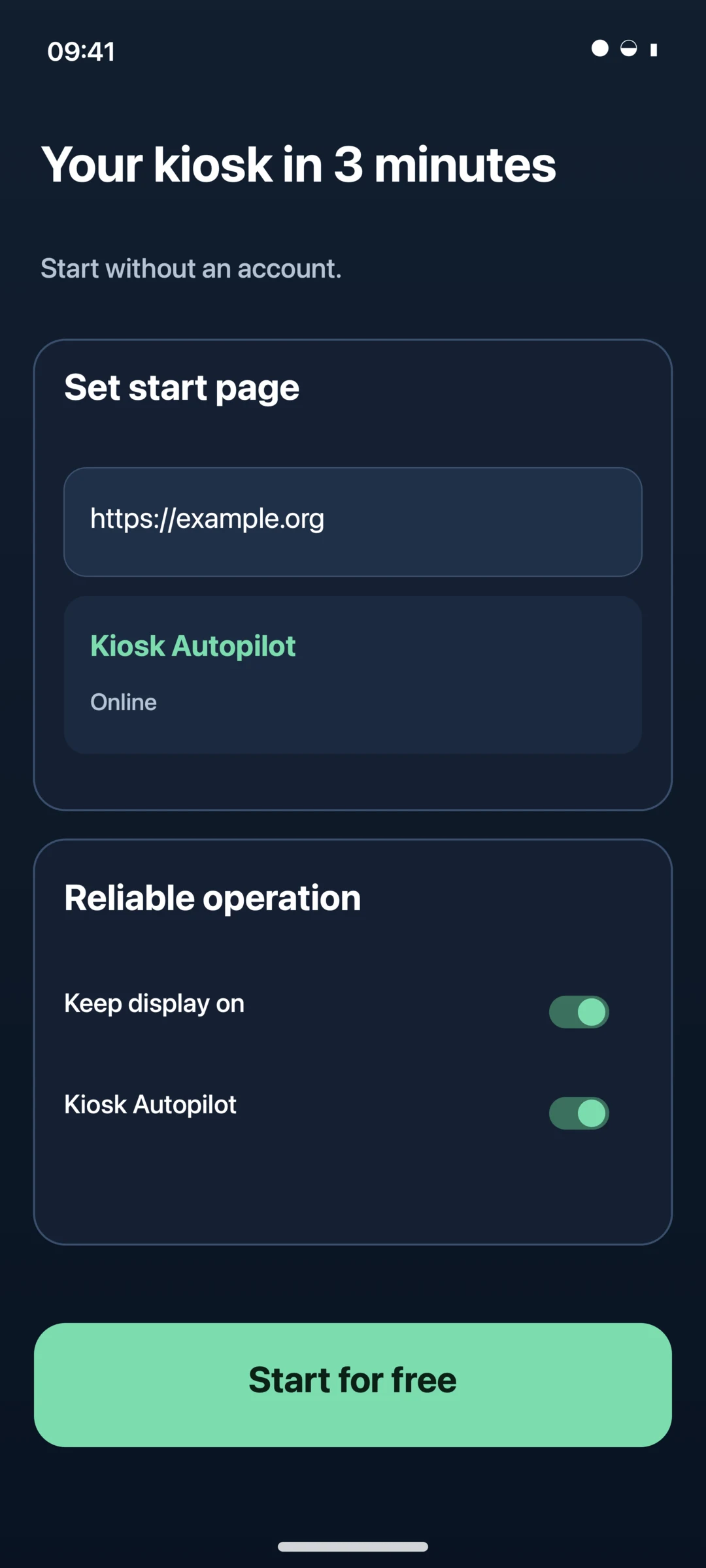
Set the home page
Enter the dashboard URL, choose allowed domains, and set an admin PIN.
02
Choose behavior
Keep the display awake, schedule reloads, and reliably restrict navigation.
03
Start the kiosk
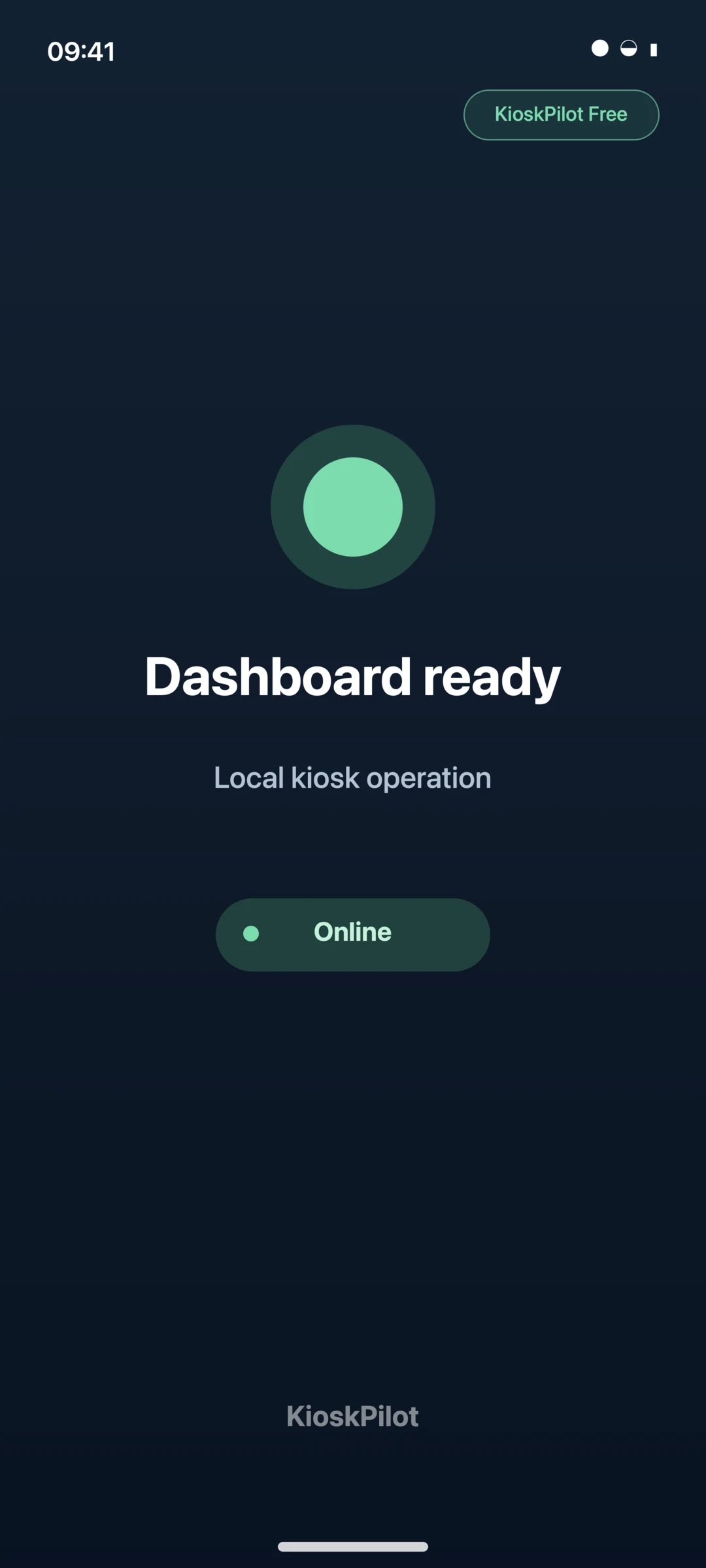
Autopilot detects loading problems and automatically restores the page.
Kiosk Autopilot
Detects error states and automatically restores your dashboard.
Offline Rescue
A clear fallback view instead of a black screen when the network fails.
Home Assistant Quick Setup
Finds local Home Assistant instances directly on the network.
Privacy mode
Clears local session data after inactivity – ideal for public devices.
Accessibility Check
Provides practical guidance on the readability and usability of your kiosk.
A fair pilot
Small price. Big everyday impact.
Free remains useful indefinitely. Pro enables professional lockdown and Basic Fleet for up to five separately licensed devices.
Free
0 €forever
For private dashboards, first displays, and anyone who wants to try KioskPilot.
- Full-featured web kiosk
- Kiosk Autopilot & Offline Rescue
- Home Assistant Quick Setup
- Browser profiles & display control
- Visible KioskPilot Free watermark
Pro
7,99 €one-time per device
For a brand-free, professionally locked device – with no recurring cost for local features.
4,99 € yearly
0,49 € monthly
- Everything in Free
- No watermark
- Device Owner & Lock Task
- Enterprise-Policies
- Local API and TLS MQTT
- Basic Fleet for up to 5 Pro devices
- One license per device
Fleet Advanced
On requestfor teams and larger fleets
For organizations that need controlled operations, governance, and support processes beyond Basic Fleet.
- Health rules, alerts, and incident center
- Staged rollouts, approvals, and rollback
- Diagnostic packages and time-limited support sessions
- Custom device capacity and guided pilot
Basic Fleet has no extra charge for up to five Pro devices. Local Pro features still require one license per device. Store prices may vary by platform and region.
Optional for teams
Many displays.
One cockpit.
Manage Android kiosks with your team, monitor their technical status, and roll out changes in a controlled way. The local kiosk keeps running when the cloud is unavailable – without sending displayed pages or screenshots to KioskPilot.
- Technical fleet status, health, and incidents
- Revisioned, staged configuration rollouts
- Roles, approvals, and traceable changes
- Data-minimizing diagnostics and time-limited support sessions
KioskPilot Fleet
Devices12
Online11
Update pending1
Reception8 sec. ago · Android 15Online
Meeting room 224 sec. ago · Android 14Online
Showroom3 min. ago · update pendingCheck
Local-first
Your screen belongs to you.
Website content, form entries, browsing history, and screen captures are not sent to KioskPilot. The cloud sees technical status while local kiosk operation remains independent.
No ads
Even Free contains no ad networks or profiling.
Content-blind by design
The Control Plane sees technical status – no page content and no live screenshots.
Secure boundaries
HTTPS, a domain allowlist, revocable keys, and a local admin PIN.
Offline ready
Pro Lifetime remains available locally after successful activation.
Quick answers
Frequently asked questions.
Do I need a KioskPilot account?
No. Local Free and Pro operation works without a customer account. An account is only required for optional Fleet Cloud features.
Does KioskPilot work with Home Assistant?
Yes. Private LAN addresses are explicitly supported, and Quick Setup can find Home Assistant instances on the local network.
What does “permanent Pro license” mean?
It permanently unlocks local Pro features for the licensed device. Recurring cloud, hosting, or support services are separate.
Can an Android app really lock the device?
Yes, on Android devices correctly provisioned as Device Owner. Regular installations get an immersive kiosk mode but cannot fully remove system restrictions.
When will the iPhone and iPad version be released?
The iOS/iPadOS version is in development. Apple requires Guided Access or a supervised MDM configuration for a fully locked deployment.
Beta testers wanted
Help us with the official
Play Store launch.
Do you have an Android tablet? Test KioskPilot through Google Play and help us with the official Play Store launch. As a beta tester, you will receive new versions automatically through Google Play.